01
Give it a topic
Pick a template (Shorts, long-form listicles, map facts, Sinhala) and say what the episode is about. The agent writes the script in that channel's own format.
 SNB DEV
AI faceless video maker for Windows
Give it a topic and get a finished YouTube Short, Reel or long-form video, with the script, AI narration, stock footage, word-by-word captions and thumbnail, in English or Sinhala. Then schedule it to YouTube, Facebook and TikTok. Built for people who do not edit video.
See it
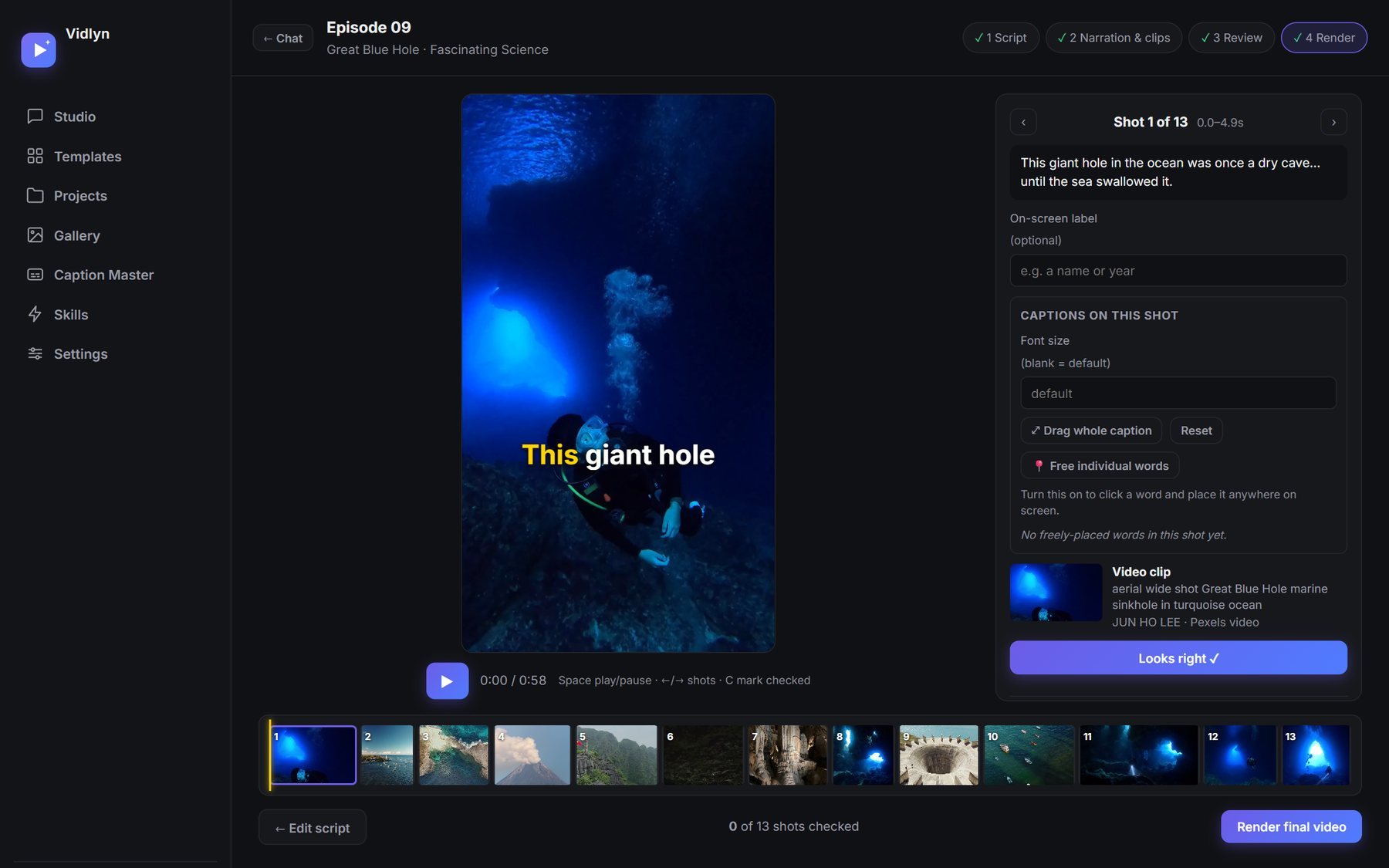
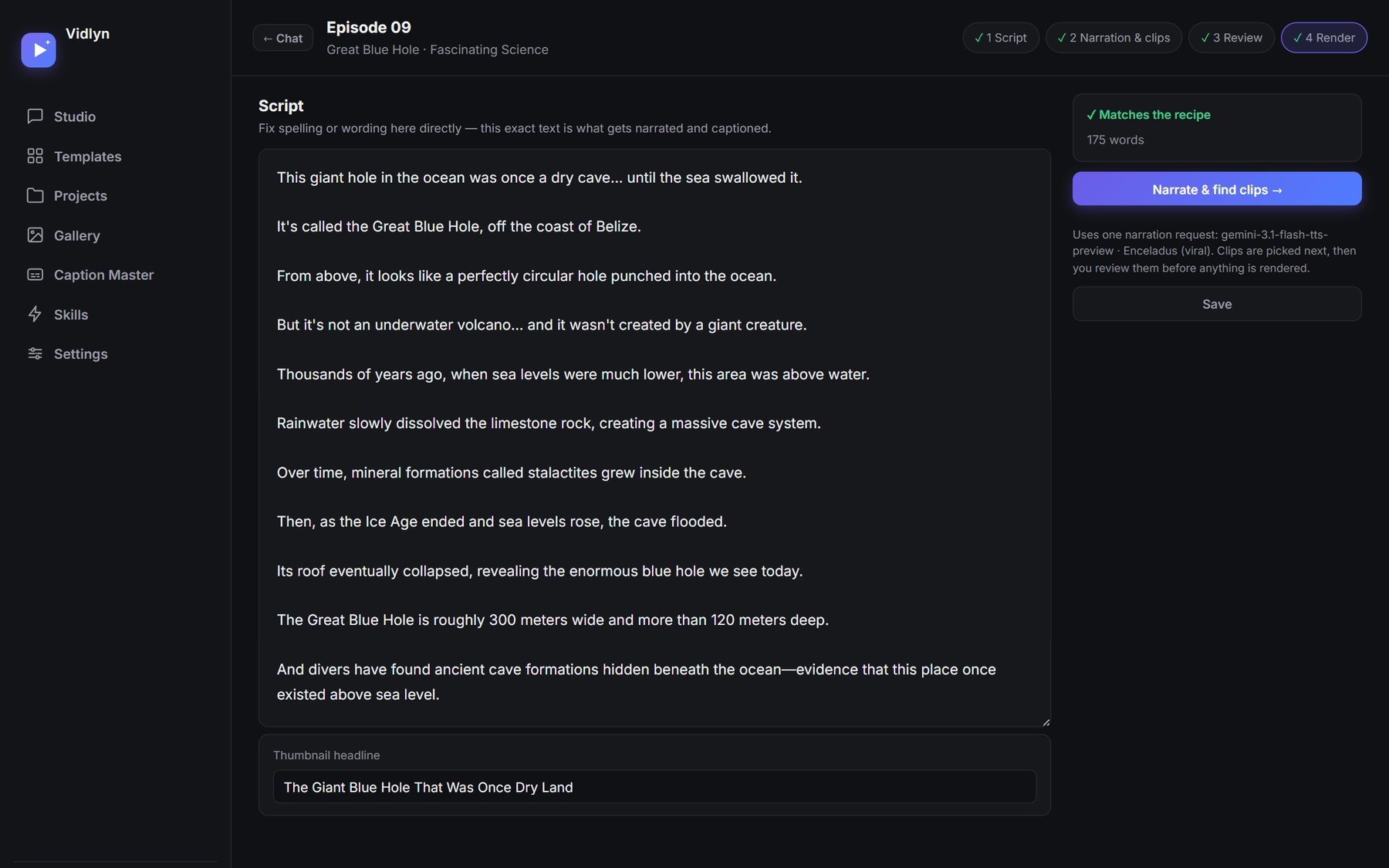
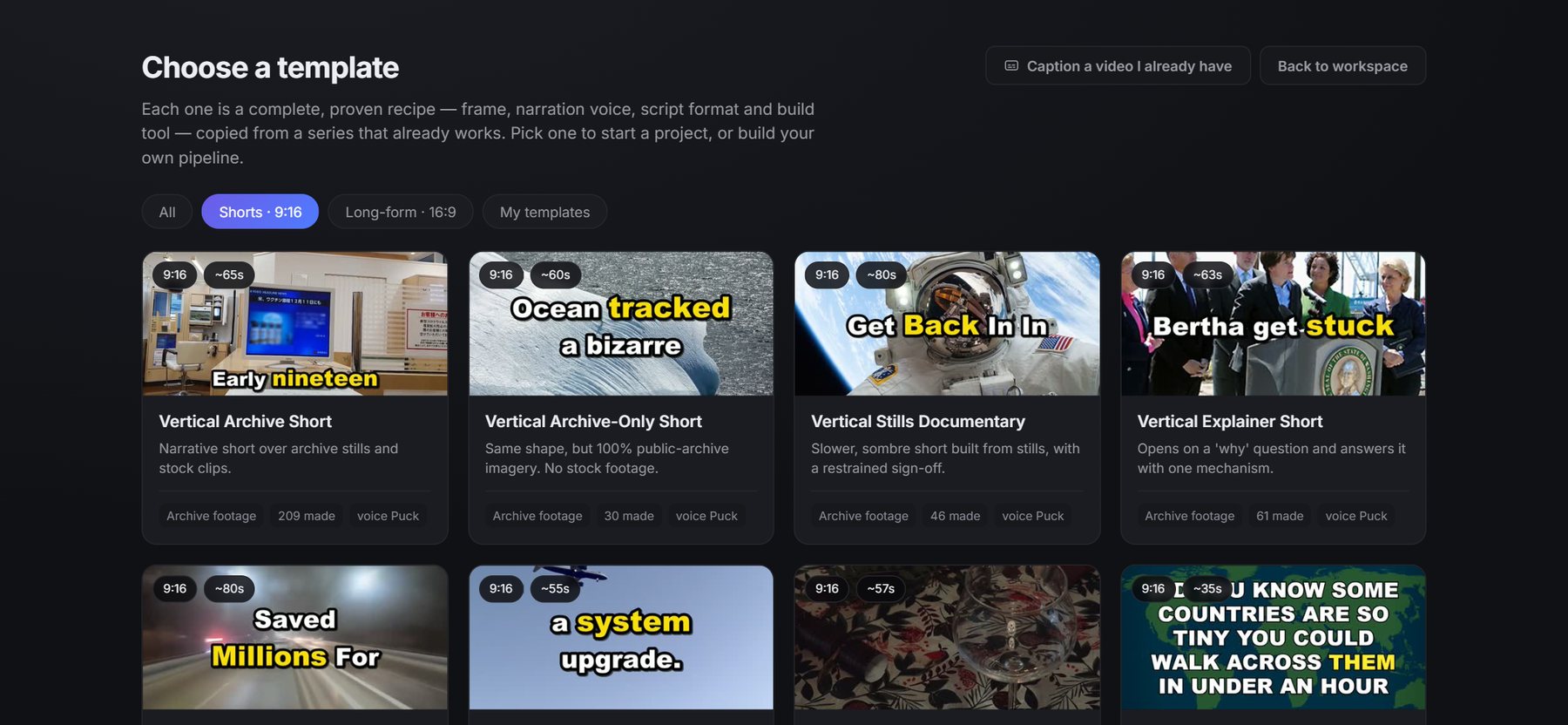
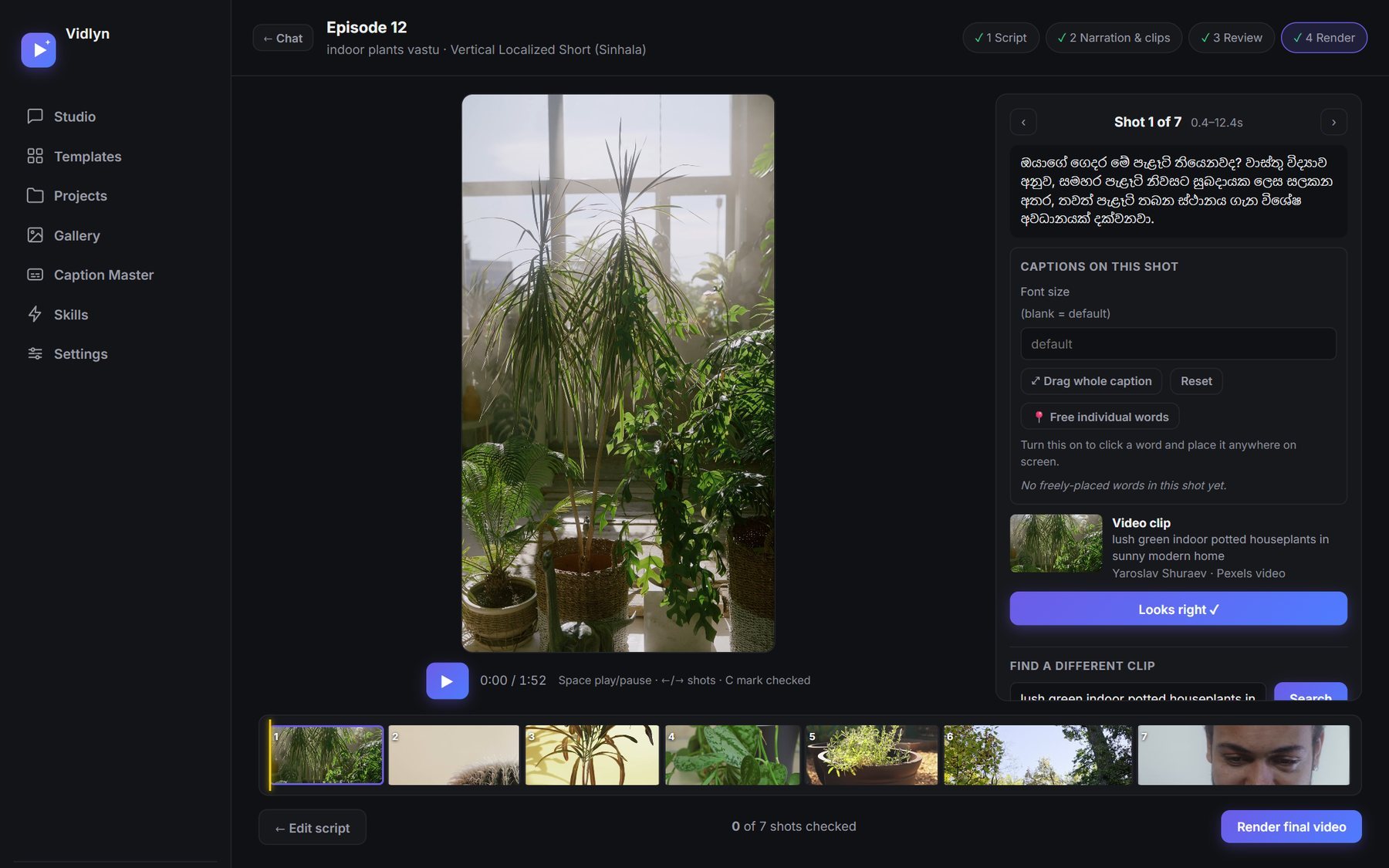
Pick a template (Shorts, long-form listicles, map facts, Sinhala) and say what the episode is about. The agent writes the script in that channel's own format.
Read the script, hear the narration, and swap any clip that does not fit. Nothing renders until you say so, so a wrong shot never reaches the timeline.
Titles, description, tags, a pinned comment and a thumbnail come with every render. Upload one, or space out thirty across the week.
Bring your own video and caption it, in English, or Sinhala with proper letter shaping. Fix the words before they are burned in.
What you get
Vidlyn makes the video. Auto Publisher posts it. Both come with every key.
Make
A desktop app that turns a topic into a finished, captioned video with a thumbnail and ready-to-paste posting text. You review every step before anything renders.
Windows 10 or 11, 64-bit. You use your own AI account (Claude, ChatGPT or a free Gemini key), so there is no usage bill from us.
Post
A scheduling dashboard that posts your finished videos to your channels, so you are not uploading by hand every day.
Included free with every Vidlyn key. It runs on the same computer.
Pricing
Founding members get half price for good. One key runs Vidlyn on one computer, by the month or the year. Auto Publisher comes with it at no extra cost. Keys do not renew by themselves, so you are never charged again unless you choose to buy. Once activated the app keeps working offline for a short while, so a dropped connection never stops your work.
The first 1,000 customers pay half price, and keep half price on every renewal for as long as they renew within 30 days of their key ending. When the places are gone, the standard price applies.
By buying a key you agree to the Terms, the Refund Policy and the Privacy Policy. A key that has not been activated can be refunded within 7 days; once activated it is not refundable, so try the free 7-day trial first. Standard prices after the founding places are gone: LKR 3,000 a month, LKR 30,000 a year.
You bring your own Claude or ChatGPT subscription (or a free Gemini key). Vidlyn drives whichever you already pay for, so there is no usage bill from us.
Questions
Vidlyn is a Windows desktop app that makes faceless videos. You give it a topic, and it writes the script, generates AI narration, matches stock footage to each line, adds word-by-word captions and makes a thumbnail. You review the script and every clip before it renders.
There is a free 7-day trial with every template and feature, and no card is needed. After that, a key costs LKR 1,500 a month or LKR 15,000 a year for the first 1,000 customers, and LKR 3,000 or LKR 30,000 after those places are gone.
Yes. Vidlyn works with a Claude or ChatGPT subscription you already pay for, or a free Gemini key. Narration uses a free Gemini key and stock footage uses a free Pexels key. We do not resell AI usage, so there is no usage bill from us.
Not at the moment. Vidlyn is a desktop app for 64-bit Windows 10 and 11. The first setup also downloads about 4 GB of speech models.
Yes. It has Sinhala templates for Shorts, listicles and long videos, with Sinhala narration, captions timed to the audio, and properly shaped letters in captions and thumbnails. It can also caption Sinhala videos you already have.
Auto Publisher, included with every key, schedules videos to YouTube, Facebook and TikTok. You connect each account yourself, and TikTok only allows public posts from API apps it has audited. For Instagram, your video and text are ready to post by hand.
That depends on your videos, not on the tool, and we cannot promise it. YouTube can refuse monetization for repetitive or mass-produced content, so each video needs its own value. Our guide to YouTube's rules explains what the policy says.
Guides
The whole workflow, with the numbers and mistakes from our own channel.
Working formats for Shorts, long-form and Sinhala, each with its length and story shape.
Script style, word counts, voices and captions for Sinhala videos.
Why Sinhala captions break, and three ways to get them right.
YouTube's inauthentic content and disclosure rules, in its own words.
Price, Sinhala support and who each tool suits, including where others beat ours.
Your key
Paste it here to check what it covers. To use it, open Vidlyn, go to Settings, and paste the same key. The app does the rest.
Lost your key? Email us with the address you bought it with and we will resend it.