 SNB DEV
A faceless YouTube Short needs six things: a format you can repeat, a script of roughly 180 to 200 words, a narration voice, a matching visual for each beat, word-by-word captions, and a title and thumbnail. You can do all of it by hand with free tools, or let an app do the chores while you check the result. Either way, the script decides whether anyone keeps watching.
We should say up front that we sell Vidlyn, an app that does this. The steps below work with any tool. The numbers come from our own channel, so treat them as one channel's experience and not as a rule of the platform.
1. Pick a format you can repeat without repeating yourself
A format is the part of a channel that stays the same: the length, the voice, the shape of the story. The topic of each episode has to be different and worth watching on its own. That difference matters for more than taste, because YouTube's monetization rules name mass-produced, template-looking AI videos directly. We go through what those rules actually say in a separate post, and we list 16 formats we have built if you need a starting point.
2. Write the script for the first three seconds
Our early videos opened with background: a date, a birthplace, a job title. Those videos stayed below 100 views. The change that moved them was starting in the middle of the problem. Episode 83 opens with "He overheated a piece of glass. It refused to break." It reached 1,400 views in its first two hours, on a channel where that had not been happening.
The shape we settled on has five beats:
- Hook. One short line that creates a question and does not answer it. Never open with a date or a biography.
- Anomaly. Set up what should have happened, then show that it did not.
- Turn. Drop to very short sentences at the moment everything changes.
- Payoff. Connect the story to something the viewer knows or owns.
- Close. One line of irony or summary, then a short invitation to subscribe.
YouTube now allows Shorts of up to three minutes, but longer has not been better for us. Our best stretch came at 70 to 75 seconds, which is 180 to 200 words. Our videos that ran 80 seconds or more tended to lose people before the end.
3. Turn the script into narration
A script for a voice is written differently from a script for a page. Short sentences, one idea to a line, and numbers spelled the way they are spoken ("nineteen sixty seven"), so the voice cannot misread them. For English Shorts we aim for about 2.4 to 2.7 words per second, which sounds energetic without sounding rushed.
Listen to the whole take before you move on. Names, foreign words and anything with an unusual stress are where AI voices go wrong, and a fix at this stage takes seconds. After the render it means redoing the timing as well.
4. Match a visual to every line
The best rule we found is literal matching: if the narrator says the block hit the floor, show something hitting a floor. Abstract shots that are only loosely related are what make a video feel generated. We cut about every 3.5 to 5 seconds, and repeating one photo across several shots was among the clearest patterns in our weak videos.
Moving footage is not automatically better, though. Our most-watched video, about Teflon, reached 12,400 views using only real archive images: patents, documents and museum pieces. Proof can hold attention as well as motion can, as long as each image belongs to the line it sits under.
Pexels has free vertical stock video. Wikimedia Commons and the NASA image library are good for real historical material. Each source has its own licence terms, so check them for the way you plan to use the material.
5. Add captions people can read on a phone
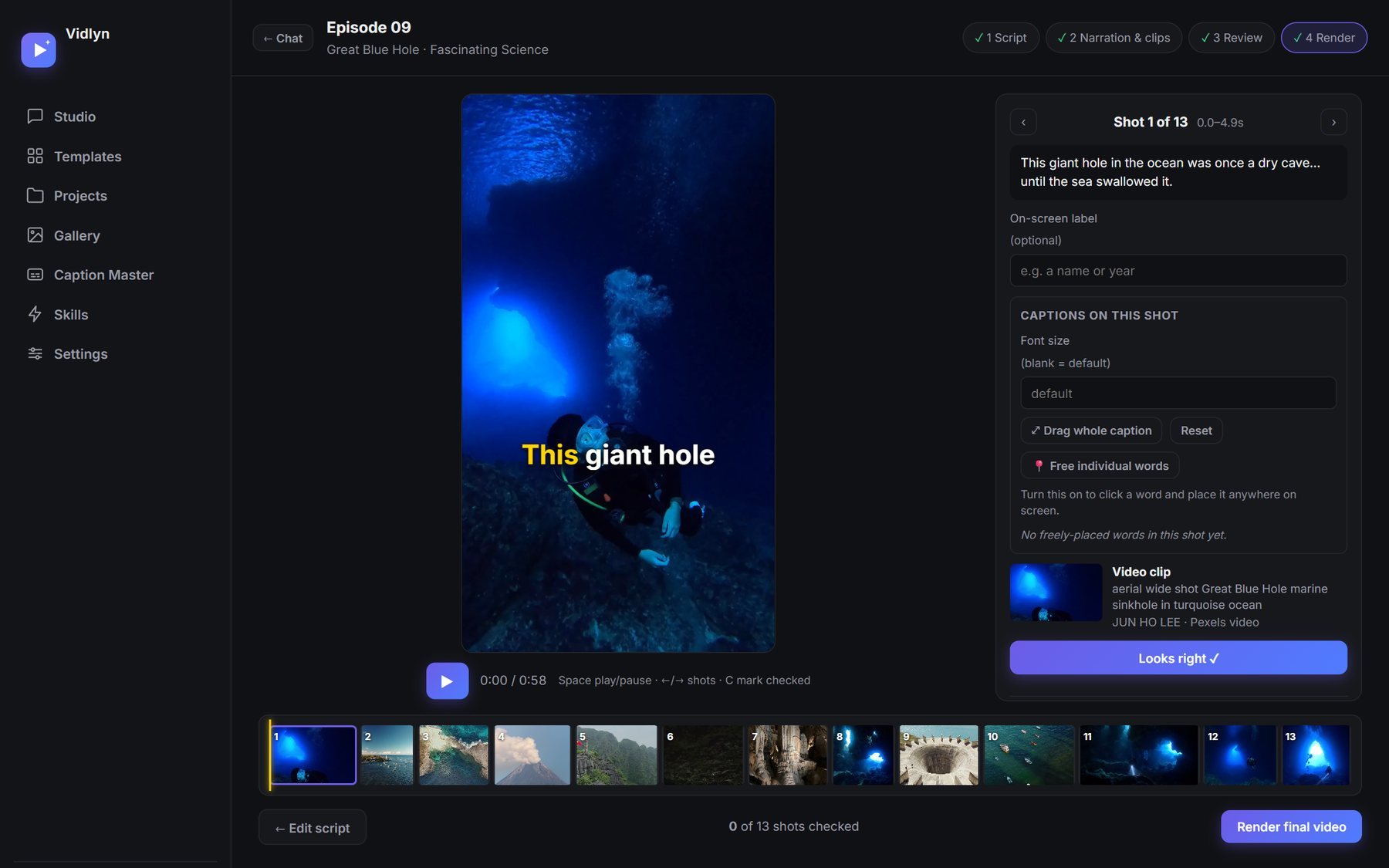
Most Shorts captions now highlight the current word as it is spoken. Three things make them work: keep to about three words a line, make the type heavy enough to read over footage, and lift the captions above the buttons and channel name that YouTube draws over the bottom of the screen. Then read every word, because a misspelled name in large yellow type is very visible.
6. Package it: title, description and thumbnail
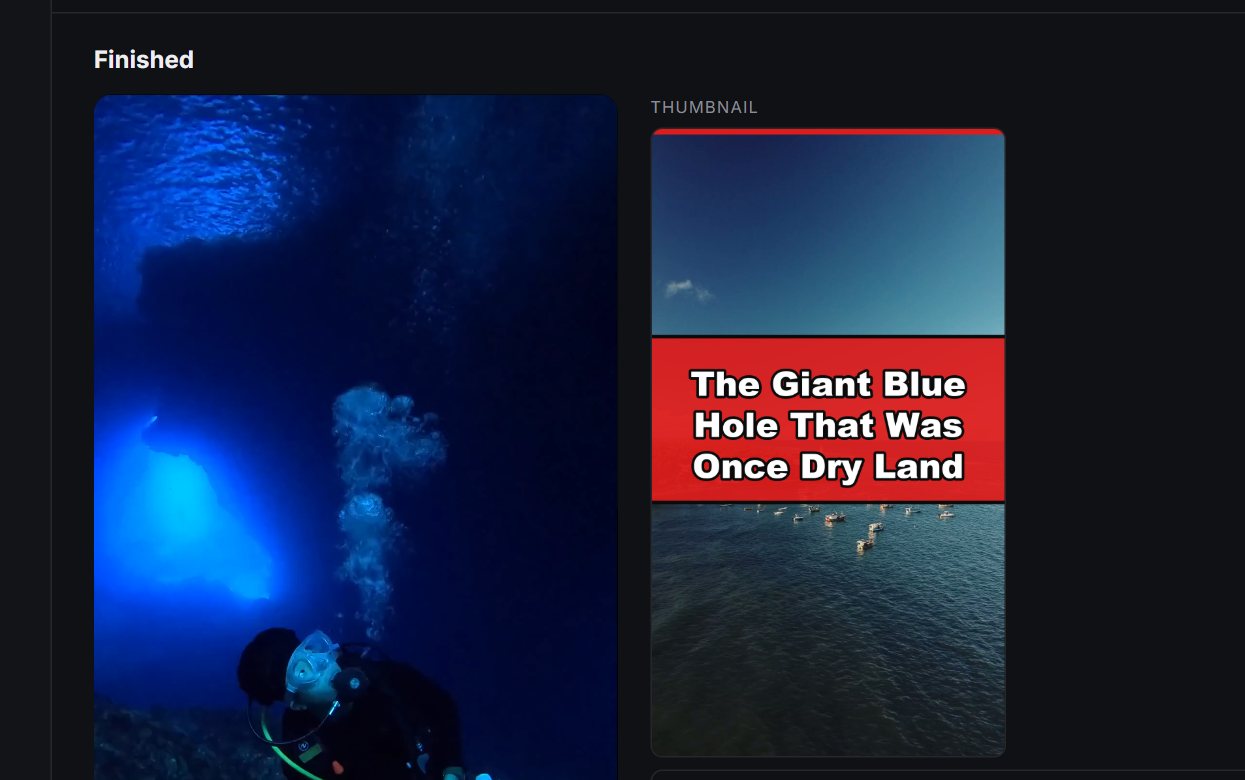
Keep the title short and let it carry the same tension as the hook. It should promise what the video delivers, because a click that ends in disappointment is a viewer who leaves early. Write a plain description that says what the video covers, then add two to four relevant hashtags.
If your video shows a realistic scene that did not really happen, or changes footage of a real event, YouTube asks you to disclose it during upload. Using AI to help with a script, title, thumbnail or captions does not need disclosure.
7. Check it before you render
Do your review before the final render, not after. A wrong clip is quick to change while it is still a line in a list and slow to change once it is inside a finished file. This is why Vidlyn stops after the script and again after picking clips. Most of the cost of a video, in money or in waiting, sits after those two points.
8. Upload and schedule
For a video or two a week, YouTube Studio's own scheduler is enough. If you have a backlog or post to several platforms, see how we schedule Shorts in bulk, including the limits each platform puts on automated posting.
By hand or with an app
| Step | By hand | In Vidlyn |
|---|---|---|
| Script | Any AI chat, plus your own format rules | Written to the template's format, then edited by you |
| Narration | A text-to-speech tool | A choice of AI voices, using your free Gemini key |
| Footage | Search Pexels and Wikimedia one line at a time | Matched to each line, and swappable in review |
| Assembly | A video editor such as CapCut or DaVinci Resolve | Rendered with FFmpeg after you approve the shots |
| Captions | Editor auto-captions, then correct and restyle | Word-by-word and restylable, in English or Sinhala |
| Packaging | A design tool and a notes file | Thumbnail, title, description and tags included |
The hand-made route costs nothing but time, and it is worth doing once so you understand what a good video needs. An app earns its price when you make videos often. Vidlyn is a Windows app with a free 7-day trial, and this post shows how it works.
Common questions
Can a faceless channel be monetized?
Being faceless is not against YouTube's rules. Monetization depends on whether your videos are original and offer real value, and YouTube reviews the channel as a whole. Our monetization post quotes the policy.
How long should a faceless Short be?
Ours do best at 70 to 75 seconds. That is a place to start, not a law. Your analytics will tell you where your own viewers drop off.
How many videos should I post a week?
We do not have evidence for a magic number, and we would be suspicious of anyone who says they do. Post as many as you can make good, and avoid uploading a large batch of near-identical videos.